How to use the application
Upon opening the application these are the procedures on how to go about it:
1.log in page.

2.Home screen.

3.Search page
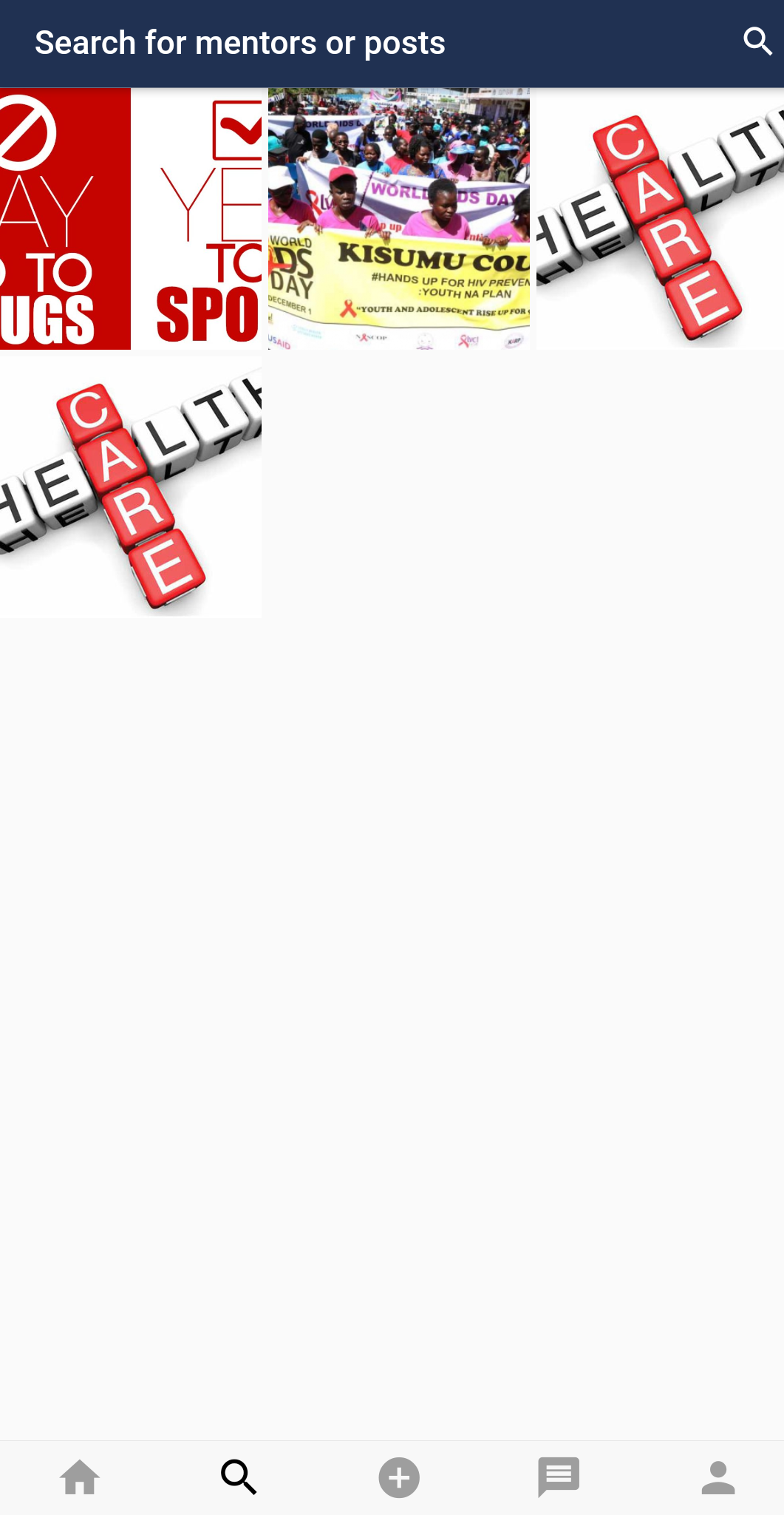
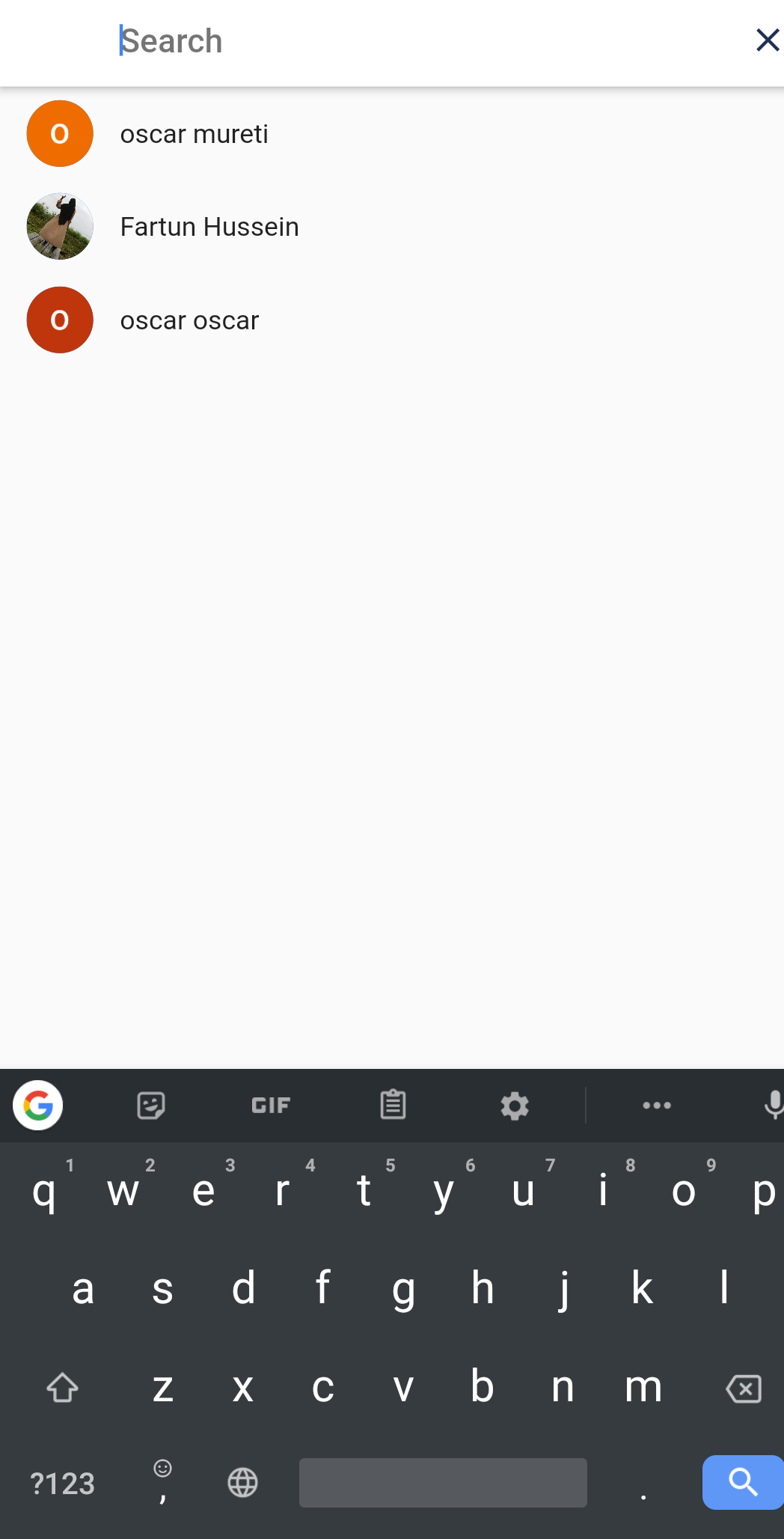
In the search screen one types a name of a person then follow that person or you can view their profile and what they have been posting.

4.Upload a feed page.
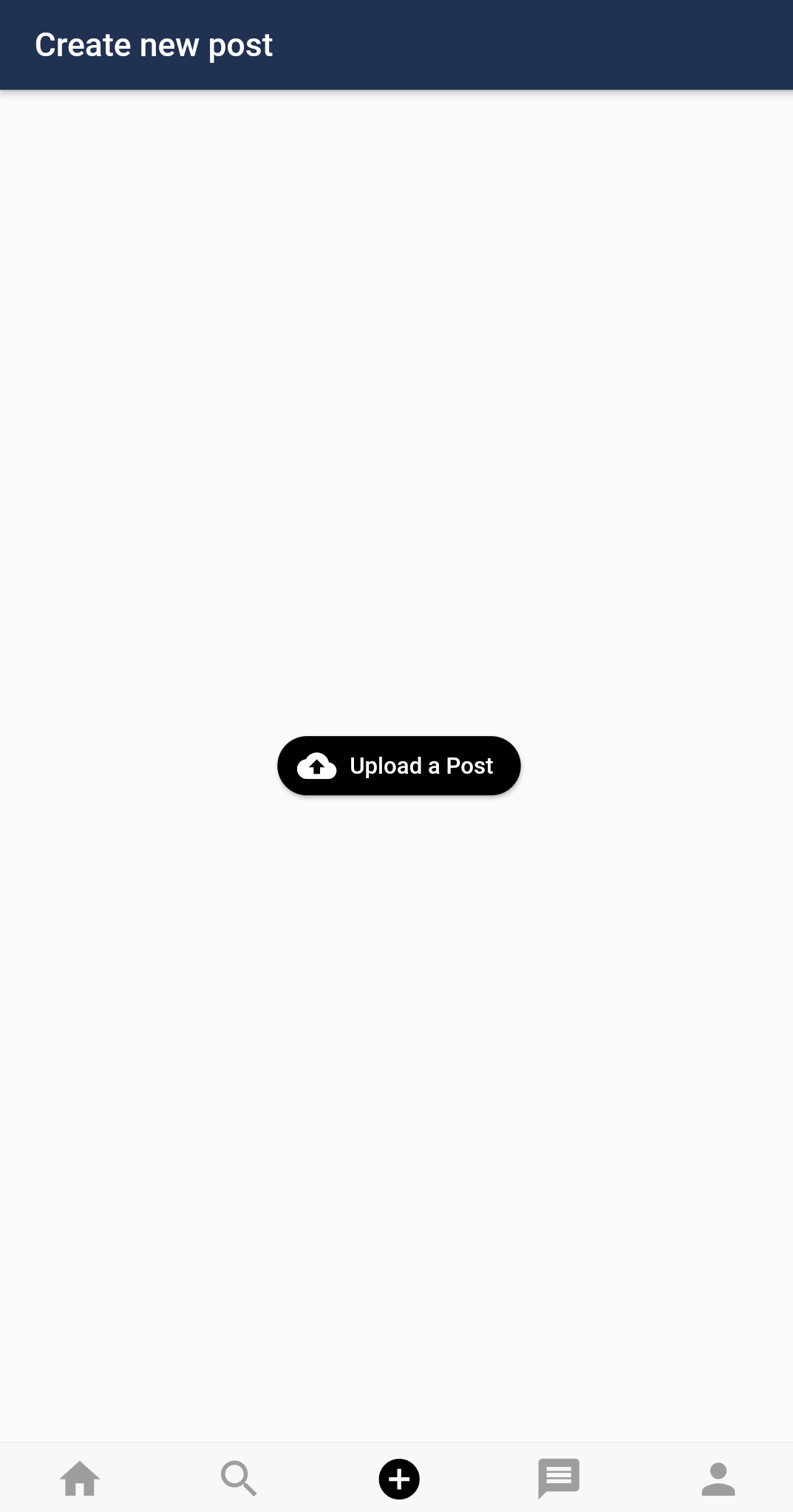
One taps on the upload post button and chooses an image from the gallery.
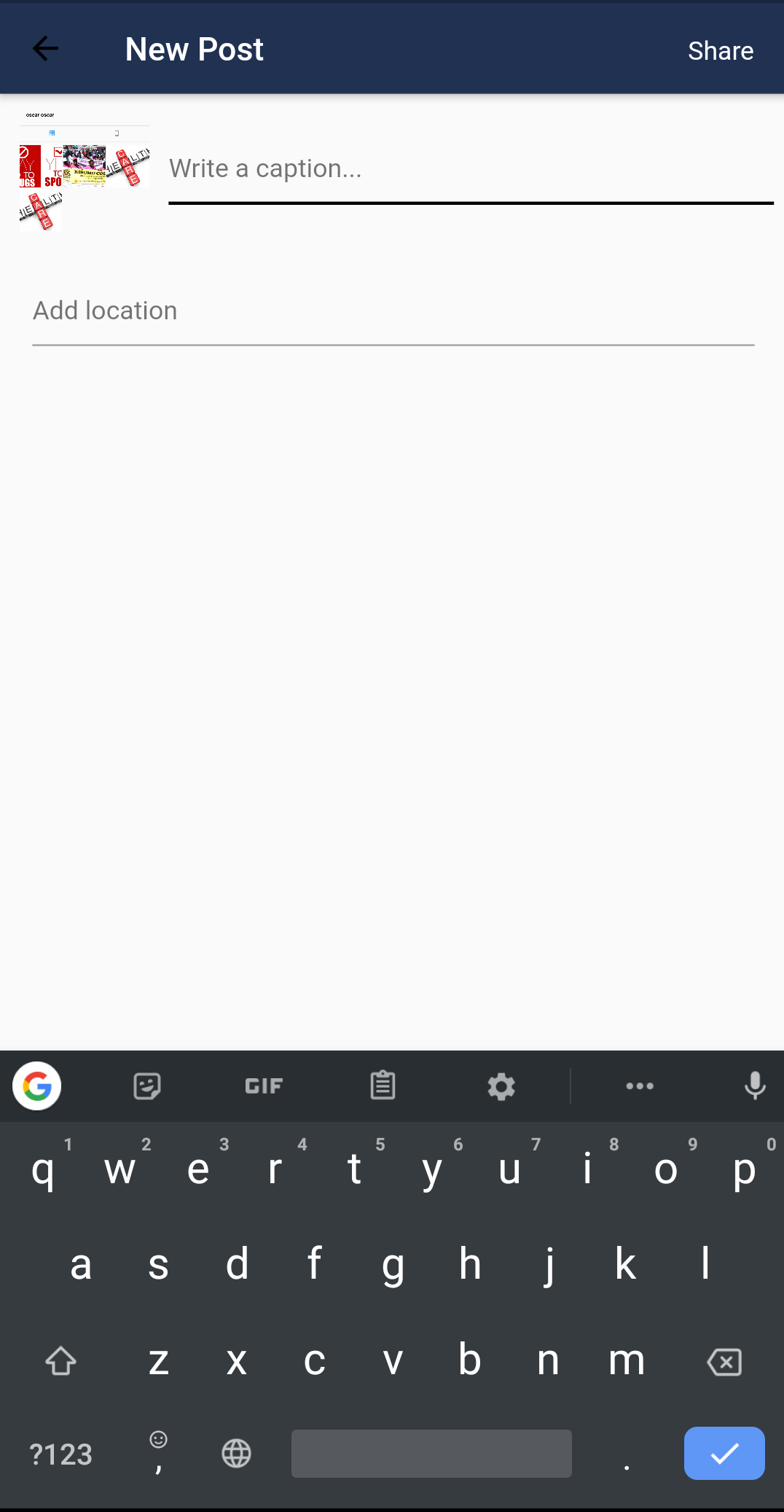
Add a caption your location then share . It will be viewed by those who follow you.
5.Private chat page.
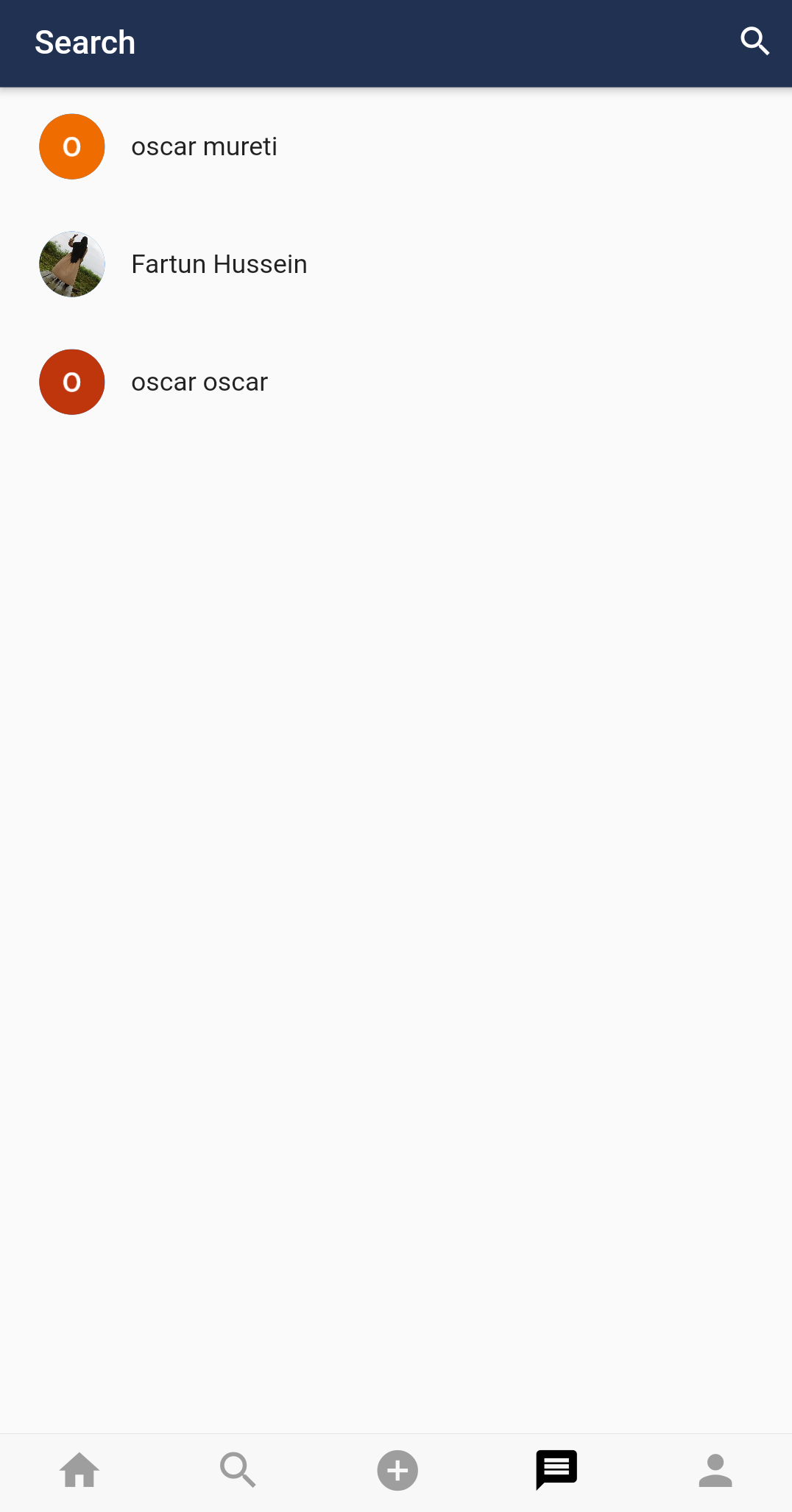
One can search for anyone you want to communicate with.
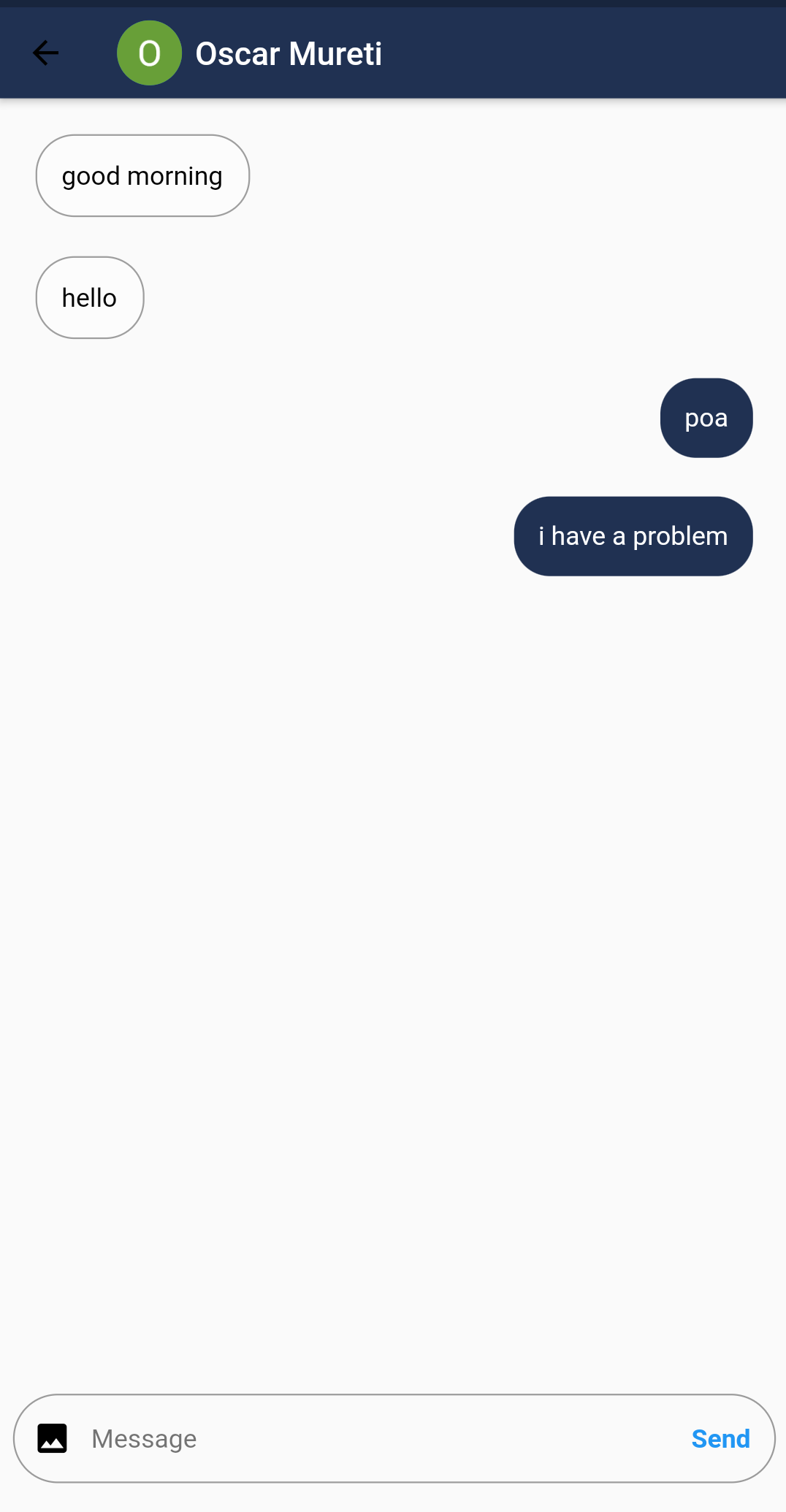
The conversation is private between the communicating parties.
6.Profile page.
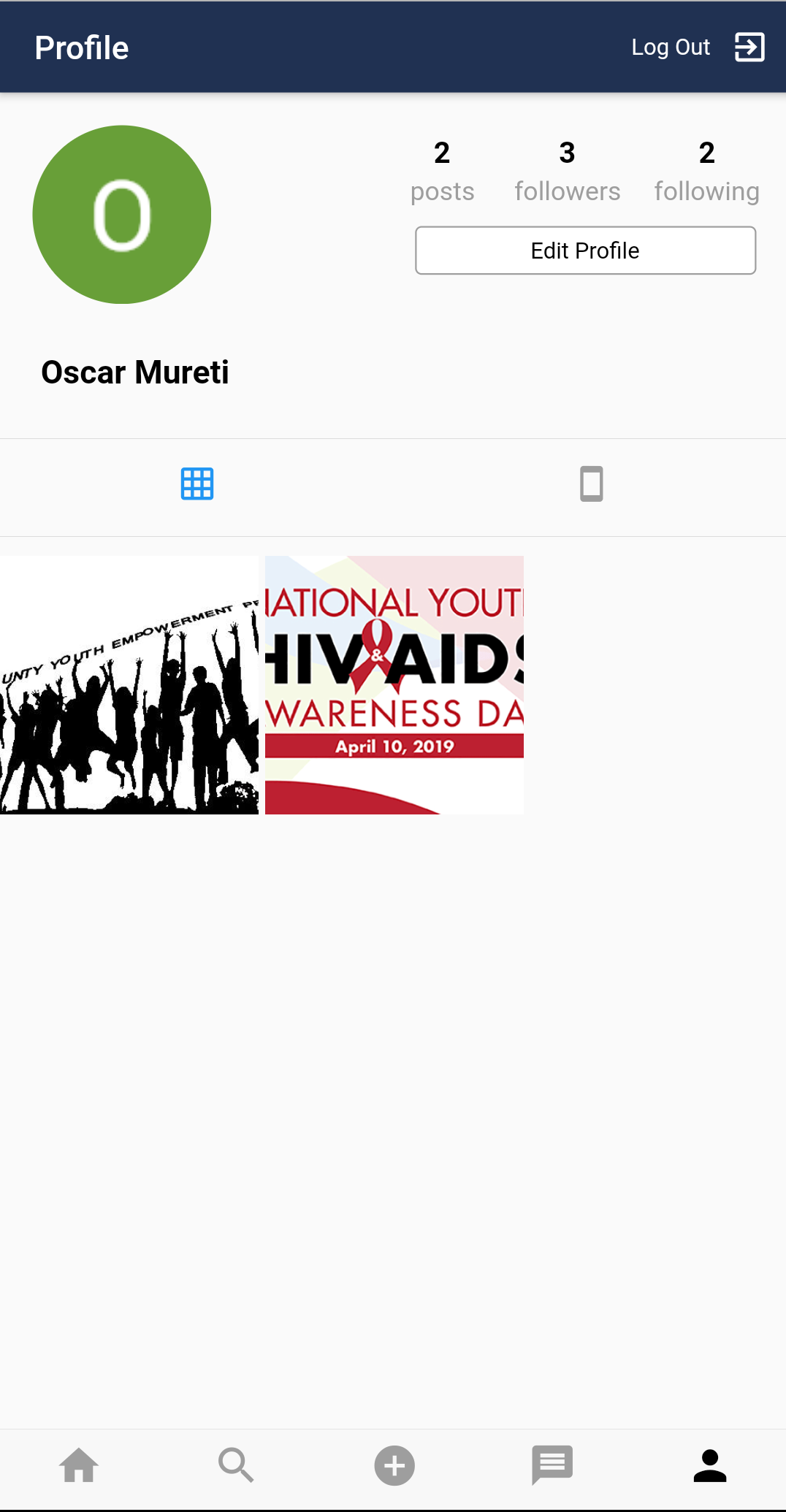
The profile page displays the posts one has posted .Number of people you follow and those who follow you . Logout button at the top and edit profile button.
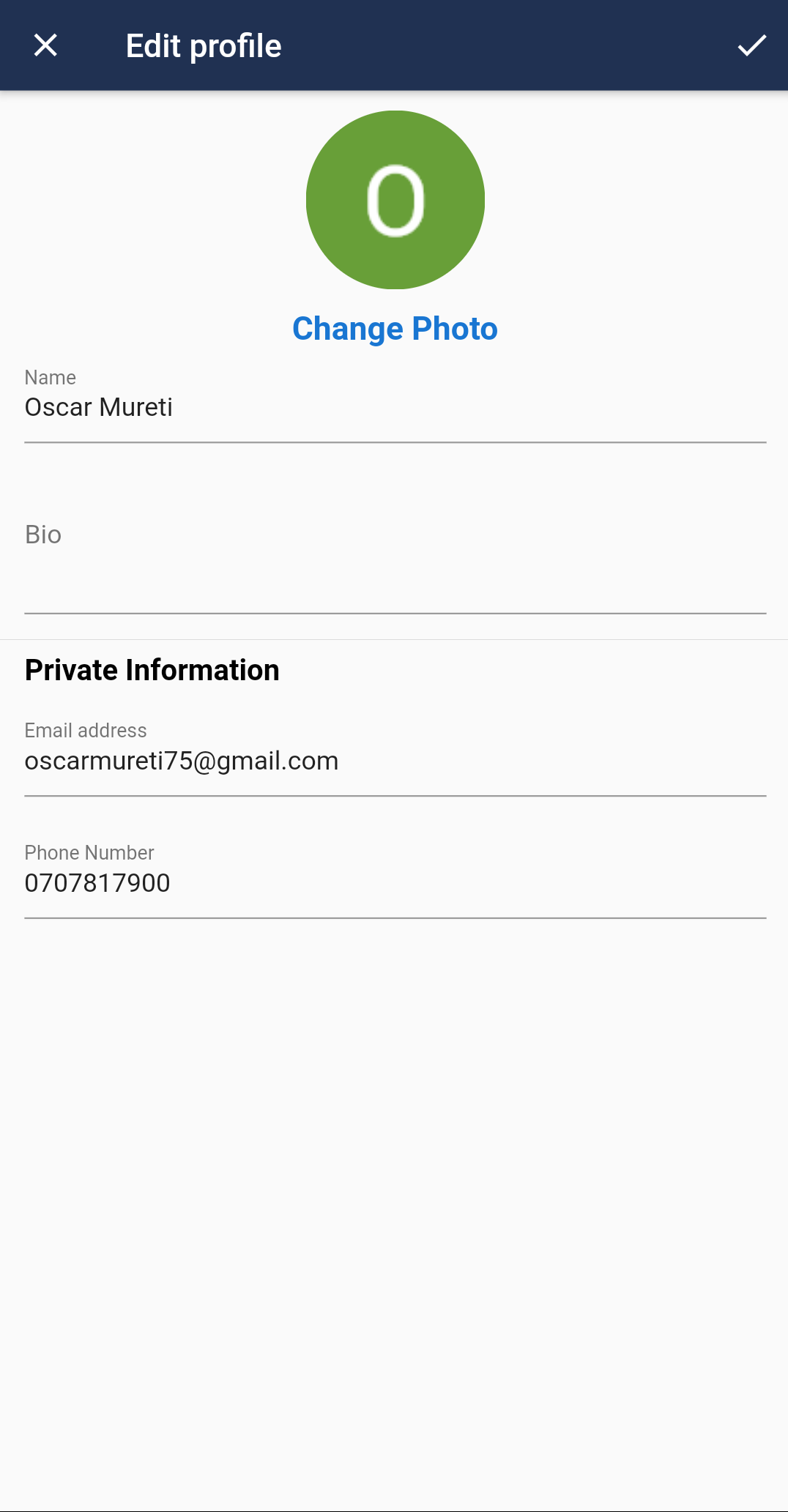
Edit the profile details then click save.